
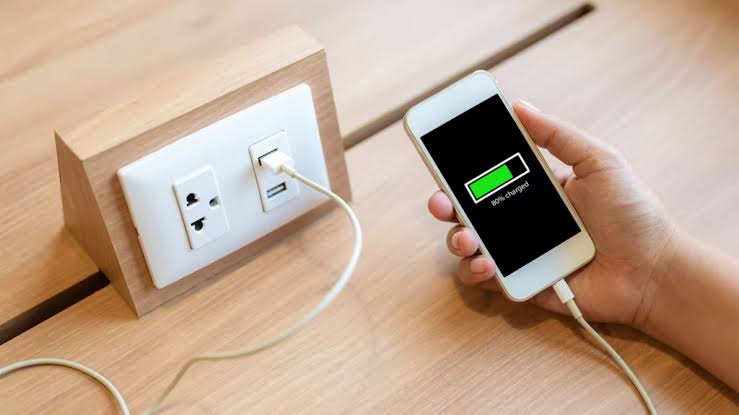
A USB port that suddenly stops charging does not always mean the port itself has failed. The problem may come from a damaged cable, debris inside the connector, a blown fuse, weak power output, or even the phone being used. Checking the simple causes first can prevent unnecessary replacement of dashboard components.
Start With the Cable and Device
Begin with the easiest test: connect a different charging cable that you know works. Cables often fail internally near the plug even when the outer insulation still looks normal.
Next, try another phone or USB-powered device. If the second device charges correctly, the vehicle’s USB connection probably isn’t the main problem. That points toward the original cable, device port, or charging settings.
Drivers comparing routine electrical issues may also encounter general vehicle repair information while researching charging faults. Use outside reading as background rather than assuming every USB failure has the same cause.
Inspect the USB Port Carefully
Dust, lint, and small debris can prevent a USB plug from making full contact. Turn the vehicle off and inspect the port using good lighting before attempting any cleaning.
Avoid inserting metal objects because they can damage internal contacts or create a short circuit. A gentle burst of compressed air may remove loose material without touching the electrical terminals.
Broader automotive troubleshooting topics can be useful when learning how several small electrical problems can produce similar symptoms. A charging port that works intermittently, for example, may have a different cause from one that has no power at all.
| Problem | Useful Check | Possible Cause |
|---|---|---|
| No charging | Try another cable | Failed cable or power loss |
| Intermittent charging | Move plug gently | Loose or worn connector |
| Slow charging | Test another device | Low USB output |
| Port completely dead | Check related fuse | Blown fuse or circuit fault |
Check the Fuse Before Replacing Parts
Many vehicle USB ports share a fuse with an accessory outlet, infotainment circuit, or another low-current electrical system. The owner’s manual usually identifies the correct fuse location and rating.
Switch the vehicle off before removing a fuse. Replace a blown fuse only with one carrying the same amperage rating. Installing a higher-rated fuse can allow wiring to overheat instead of protecting the circuit.
People researching wiring concerns sometimes come across car electrical resources alongside repair guides and owner’s-manual information. The important step is matching any diagnosis to the specific vehicle rather than relying on a generic fuse location.
Look at the Type of USB Connection
Not every USB port provides the same charging power. Older USB-A ports may charge modern smartphones slowly, especially while navigation, music streaming, Bluetooth, and the screen are all active.
Some vehicle ports are designed mainly for data communication with the infotainment system. A separate 12-volt adapter or higher-output USB-C socket may charge significantly faster even though nothing is technically wrong with the original port.
Watch for Temperature Limits
Phones can also reduce or stop charging when they become hot. A device sitting in direct sunlight may display a charging symbol while accepting little or no power.
Allowing the phone to cool can help distinguish a temperature-related device issue from a vehicle electrical fault.
Common Mistakes That Waste Time
Replacing the dashboard USB module immediately is often premature. A worn cable or contaminated phone connector can create the same symptoms and takes only a few minutes to test.
Another mistake is repeatedly replacing a fuse that blows again. A second blown fuse suggests an underlying electrical problem such as damaged wiring or a short circuit. Continuing to install new fuses does not repair the fault and may delay a proper diagnosis.
Frequently Asked Questions
Why does my car USB port charge slowly?
The port may have relatively low power output, especially in an older vehicle. Heavy phone use, poor cables, high device temperature, and ports designed mainly for data transfer can also reduce charging speed.
Why does my USB port work only sometimes?
Intermittent operation commonly points toward a loose cable, worn connector, contamination inside the port, or movement-sensitive wiring. Testing several cables and devices helps narrow down the source.
Can a blown fuse stop only the USB ports?
Yes. Depending on the vehicle, USB ports may have their own fuse or share one with accessory circuits. The owner’s manual or fuse-box diagram can identify which electrical components are connected to that fuse.
Fix the Simple Causes First
USB charging problems are easiest to diagnose when you work from the outside inward. Confirm the cable and device, inspect the connector, check the correct fuse, and consider the port’s designed power output before replacing hardware. If a correct replacement fuse keeps blowing or the port shows signs of heat or damage, have the circuit inspected rather than continuing to use it.